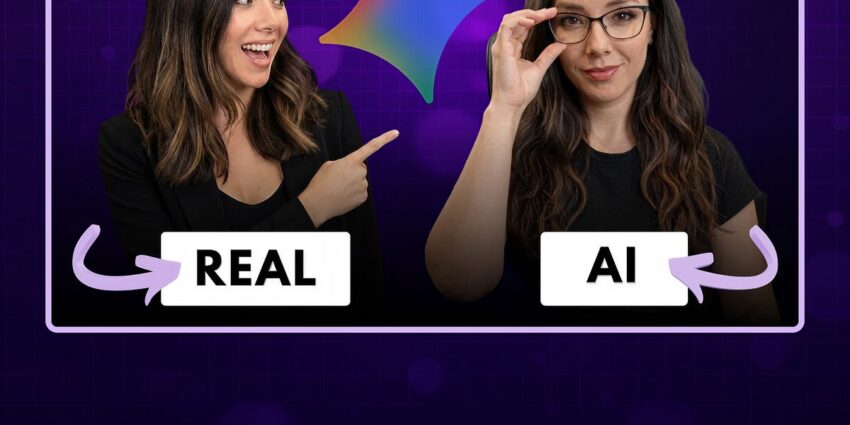
TL;DR Summary of Creating an AI Avatar Using Google Flow and Gemini Omni
Optimixed’s Overview: How to Effortlessly Generate Engaging AI Avatars and Videos with Google Flow
Step-by-Step Guide to AI Avatar Creation and Video Production
This experimental walkthrough showcases how users can leverage Google Flow combined with the Gemini Omni model to produce AI-driven avatar videos quickly and efficiently. The entire process—from capturing facial data using a smartphone to generating a polished video—is designed to be accessible, even for those without video production experience.
Highlights of the AI Video Production Process
- Face Scanning and Photo Capture: Using a phone camera to scan and create a digital avatar.
- Storyboarding with AI Assistance: Flow helps brainstorm and generate a complete storyboard for the hype video.
- Video Scene Generation: The avatar is used to create multiple video scenes, maintaining character consistency across clips.
- Troubleshooting: Identifying and correcting common errors such as accidental image generation instead of videos.
- Video Stitching: Combining individual AI-generated scenes seamlessly in a browser-based editor.
Challenges and Considerations
While the technology is powerful, users may encounter uncanny valley moments where the AI avatar’s emotions or movements feel unnatural. These moments highlight current limitations in AI video generation, emphasizing the need for ongoing refinement.
Unlocking Creative Potential with AI Video Tools
This approach democratizes video creation by enabling anyone to produce engaging content quickly. With tools like Google Flow and Gemini Omni, creators can focus on storytelling and creativity without needing extensive technical skills or equipment.



